
Dictate into your apps
Speak into supported text fields in Slack, email, documents, and AI tools. Streaming models can show your words while you speak.
Mac and Linux
Dictate emails, messages, and AI prompts on Mac and Linux. Turn on Instinct to clean up your English and shape it for the app you’re using.
“hi Alex i will review the proposal Friday sorry Monday please send your feedback before lunch”
Your local or cloud speech model
Turn on to see the edits.
hi Alex i will review the proposal Friday sorry Monday please send your feedback before lunch
Real feedback from people using NeverType to write 3x faster across every app with voice.
“I talk at 180 words per minute compared to my 45 words per minute typing. Dictating long emails, project summaries, and client proposals without touching the keyboard has completely eliminated my wrist fatigue.”
“Finally uninstalled cloud voice apps. NeverType runs 100% locally on device with zero audio packets leaving my Mac. Our enterprise security team approved it immediately for confidential client memos and sensitive financial documents.”
“Wrote an entire quarterly business proposal while on a cross country flight with all networking switched off. Holding Option and Space is pure muscle memory now. The automatic punctuation and formatting is effortless.”
“Instant response, zero typos, and strips out all my hesitations before pasting into Notion and Google Docs. I never want to type manually again.”
“No Electron bloat, zero background CPU drain, and instant text delivery anywhere my cursor sits across all my writing apps.”
“Dictating complex client emails and meeting notes has become effortless. It delivers clean, plain sentences right where my cursor is without unwanted restructuring or bullet points.”
“Added our product names, client brands, and internal acronyms into custom words. NeverType spells them with 100% accurate capitalization every time.”
“I was suffering from severe wrist strain from typing thousands of words every day for work. Voice dictation has allowed my hands to recover while keeping productivity at its peak.”
“Instant response, zero typos, and strips out all my hesitations before pasting into Notion and Google Docs. I never want to type manually again.”
“No Electron bloat, zero background CPU drain, and instant text delivery anywhere my cursor sits across all my writing apps.”
“Dictating complex client emails and meeting notes has become effortless. It delivers clean, plain sentences right where my cursor is without unwanted restructuring or bullet points.”
“Added our product names, client brands, and internal acronyms into custom words. NeverType spells them with 100% accurate capitalization every time.”
“I was suffering from severe wrist strain from typing thousands of words every day for work. Voice dictation has allowed my hands to recover while keeping productivity at its peak.”
“Instant response, zero typos, and strips out all my hesitations before pasting into Notion and Google Docs. I never want to type manually again.”
“No Electron bloat, zero background CPU drain, and instant text delivery anywhere my cursor sits across all my writing apps.”
“Dictating complex client emails and meeting notes has become effortless. It delivers clean, plain sentences right where my cursor is without unwanted restructuring or bullet points.”
“Added our product names, client brands, and internal acronyms into custom words. NeverType spells them with 100% accurate capitalization every time.”
“I was suffering from severe wrist strain from typing thousands of words every day for work. Voice dictation has allowed my hands to recover while keeping productivity at its peak.”
“Having speech transcription run completely offline on Apple Silicon feels instantaneous. I draft entire newsletters and team memos in minutes instead of an hour.”
“Other speech tools have a two second cloud lag where you freeze waiting for text. With local Whisper on device, words appear the millisecond you stop speaking.”
“Was worried local speech processing would drain my laptop battery. Dictated through four hours of interviews, notes, and documents with almost zero battery impact.”
“NeverType pastes directly into active apps without corrupting clipboard history. My copied links and research notes stay completely safe.”
“The 30 day free trial made it a zero risk test. Canceled my expensive cloud dictation subscriptions after testing how much faster and more private NeverType is.”
“Having speech transcription run completely offline on Apple Silicon feels instantaneous. I draft entire newsletters and team memos in minutes instead of an hour.”
“Other speech tools have a two second cloud lag where you freeze waiting for text. With local Whisper on device, words appear the millisecond you stop speaking.”
“Was worried local speech processing would drain my laptop battery. Dictated through four hours of interviews, notes, and documents with almost zero battery impact.”
“NeverType pastes directly into active apps without corrupting clipboard history. My copied links and research notes stay completely safe.”
“The 30 day free trial made it a zero risk test. Canceled my expensive cloud dictation subscriptions after testing how much faster and more private NeverType is.”
“Having speech transcription run completely offline on Apple Silicon feels instantaneous. I draft entire newsletters and team memos in minutes instead of an hour.”
“Other speech tools have a two second cloud lag where you freeze waiting for text. With local Whisper on device, words appear the millisecond you stop speaking.”
“Was worried local speech processing would drain my laptop battery. Dictated through four hours of interviews, notes, and documents with almost zero battery impact.”
“NeverType pastes directly into active apps without corrupting clipboard history. My copied links and research notes stay completely safe.”
“The 30 day free trial made it a zero risk test. Canceled my expensive cloud dictation subscriptions after testing how much faster and more private NeverType is.”
How it works
Put your cursor where you want the text, then use the shortcut you chose during setup.
Speak at your normal conversation speed. Choose a local speech model on Mac or Linux, or use your own cloud transcription key.
Finish recording to insert the transcript in a supported text field. Turn on Instinct if you want an English cleanup pass before insertion.
Features
Speak into supported text fields in Slack, email, documents, and AI tools. Streaming models can show your words while you speak.
Mac and Linux
Fix English grammar, trim repetition, and apply spoken corrections. Instinct can format emails and messages or structure coding, image, and video prompts.
Optional · Local or supported cloud
Download local models to process audio and text on your device. For supported cloud speech or text models, bring your own API key. Your chosen provider processes the input.
On-device or your cloud provider
Choose your own keys and use hold to talk, tap to start and stop, or a mode that supports both.
Custom shortcuts
Add custom words for supported speech models, save writing preferences for Instinct, and expand spoken shortcuts into links or reusable replies.
Custom Words · Preferences · Snippets
Search your local History and copy an original transcript when you need it again.
Local transcript History
Track words dictated, speaking speed, dictation time, and estimated time saved in Insights.
On-device Insights
Paste automatically into supported fields or keep the latest transcript on your clipboard for manual pasting.
Clipboard settings
Zero-latency, sub-100ms streaming speech-to-text. Words appear live on your screen as you speak.
Type any language name in English or its native script to verify real-time support.
Pricing
Simple, honest pricing. Experience the speed of voice dictation risk-free. Cancel anytime.
Pay month to month. Cancel anytime with a single click.
Billed monthly after 30 day trial · Cancel anytime
Billed annually at $72/year. Maximum savings for creators.
Billed annually at $72/year · Cancel anytime
Frequently asked questions
Have questions about local Whisper, model support, or your trial? We've got answers.
Use NeverType in supported text fields in apps such as Slack, Google Docs, email, and ChatGPT. Automatic insertion depends on the app, operating system, and permissions.
Practitioner analyses on local Whisper inference, Apple Silicon Metal acceleration, zero-telemetry HIPAA privacy, and typing at the speed of thought.
 Comparisons
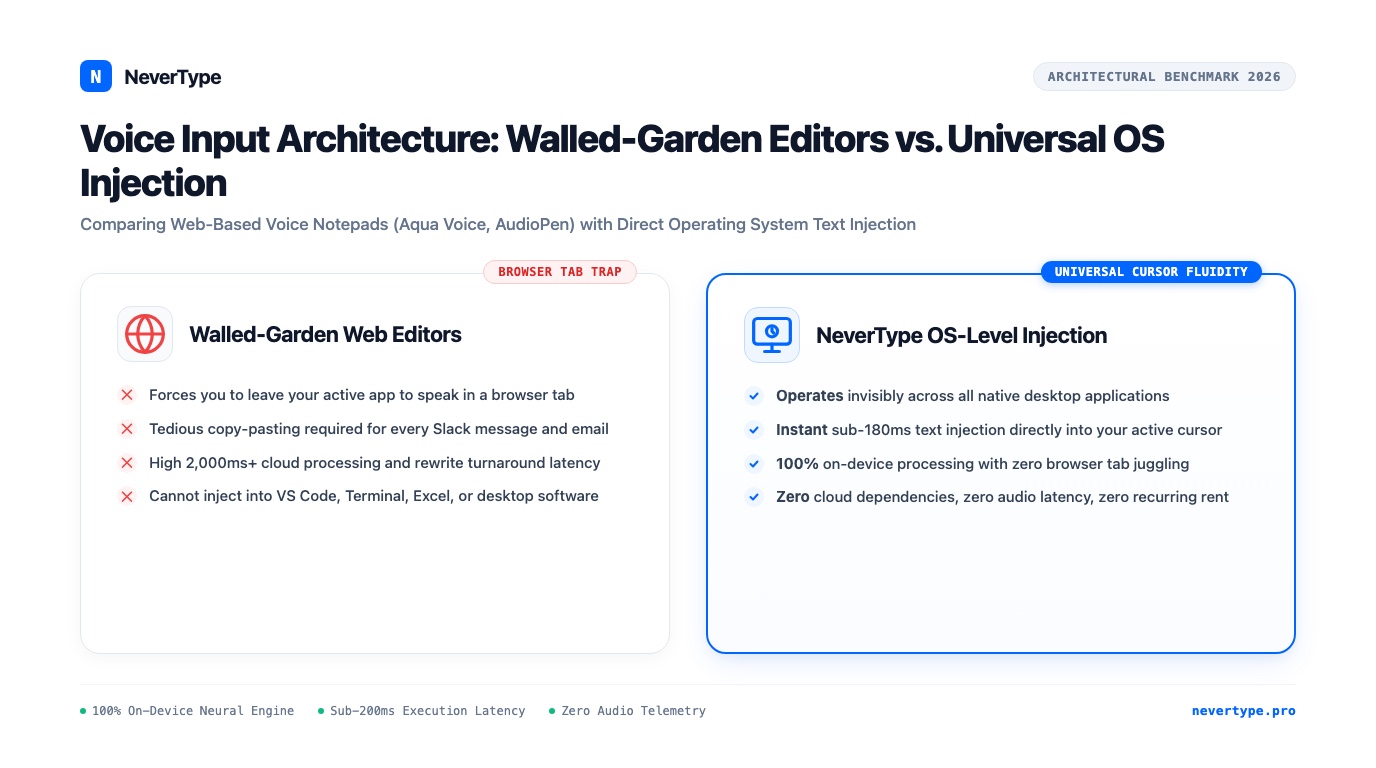
Why browser-based voice notepads like Aqua Voice and AudioPen force tedious window juggling, and why developers switch to native system-wide cursor injection.
 Comparisons
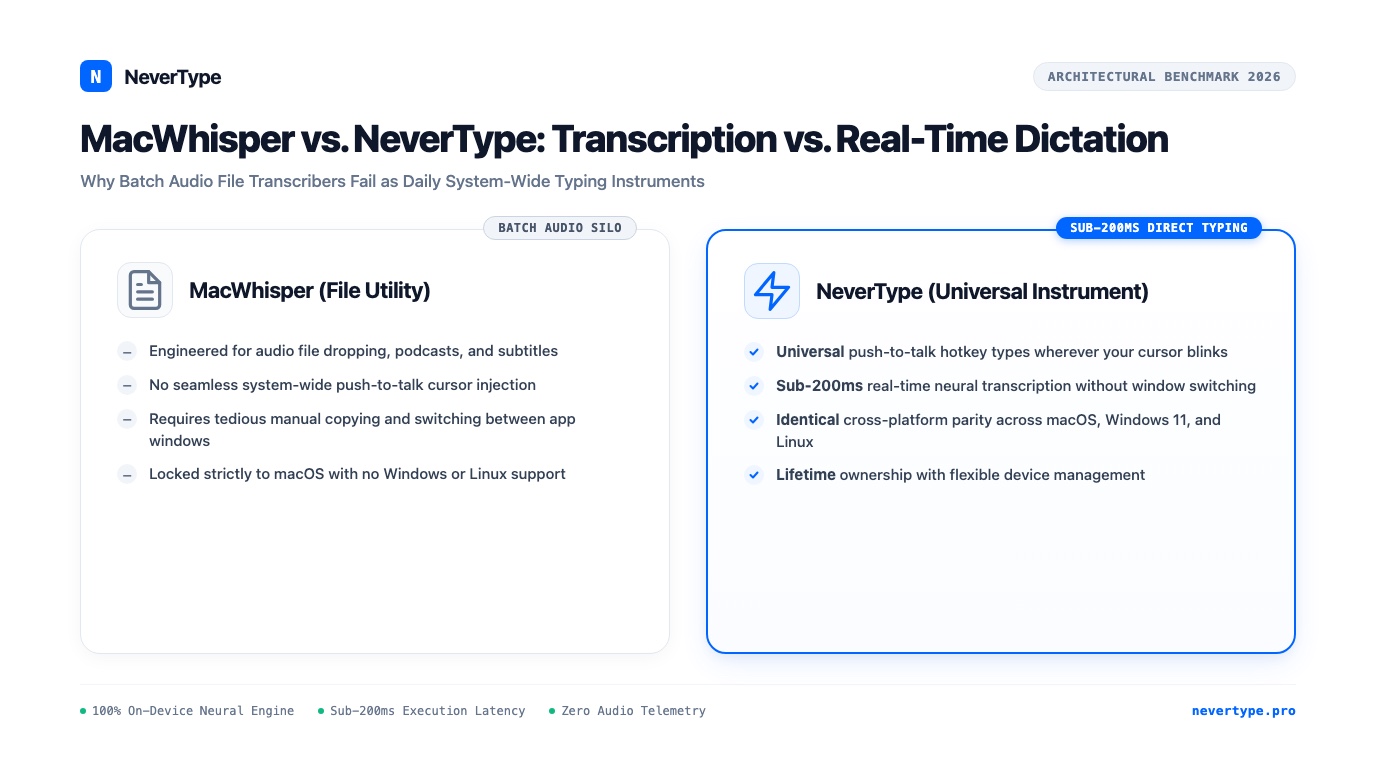
MacWhisper is brilliant for transcribing podcast audio files, but terrible for daily typing. Here is why users switch to NeverType for system-wide dictation.
 Privacy & Local AI
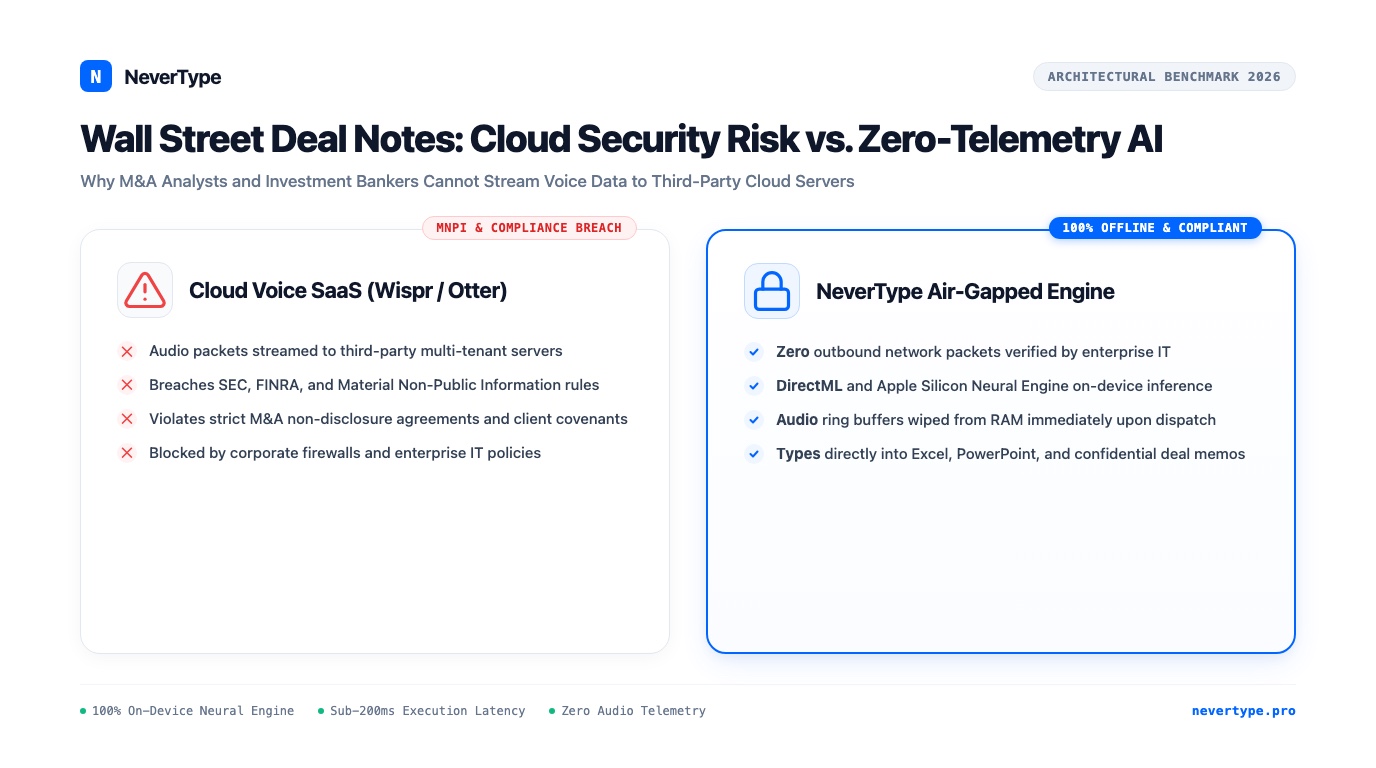
Why financial analysts and M&A associates drafting confidential CIMs, pitchbooks, and deal memos cannot stream audio to cloud speech APIs under SEC and FINRA rules.
Native binaries
Lightweight native installer. Starts silently in your menu bar.
Optimized for M1, M2, M3, M4
For legacy Intel Macs
AppImage built on Ubuntu 24.04